Digital product marking
Printing system or printer – 4262365033697
- Item number
- 4262365033697
- Product ID
- 26137
- Category
- Digital product marking
369,00 €VAT included; shipping within Germany €6.95. Other countries on request.
Non-binding inquiry

The CUNU online shop is available again.Order in the German online shop
Digital product marking
Non-binding inquiry
The TIJ M1 mini-printer prints directly onto your items; printing is done without labels.
Feel free to send us sample items for printing if you are unsure whether the device is suitable for your needs. We will film the printing process (see clips of previous inquiries here) and return your samples.
The miniature TIJ (Thermal Inkjet) printer is a portable, handy digital stamp. Measuring 100 x 75 x 47 mm and weighing just 280 grams, this mini-printer fits in a pocket and is ready for use at any time.
Note: TIJ printing technology offers many advantages; however, it is important to note that this printing method requires periodic cleaning of the cartridge printhead. (Video example here) The very fast-drying ink means the printhead is more prone to clogging than in conventional inkjet printers. If the device has been left idle for an extended period without the cartridge being removed and resealed after use, a few test prints may be required to fully clear the nozzles. We recommend keeping some isopropanol on hand for cleaning; we have successfully restored even cartridges with severely dried-out ink using this method.
How it works, operating instructions / Unpacking video
A wide variety of materials can be marked with the handheld printer: glass, cardboard, ceramic, metals (such as aluminum, cast iron, copper, steel, and titanium), and plastics/polymers (PET, PVC, PE, HDPE, LDPE, PPR). The handheld printer is ideally suited for printing on plastic bottles, glass bottles, pots, barrels, ceramic containers, aluminum cans, steel pipes, irregularly shaped spare parts, hoses, cables, and similar materials. Printing on food products is also possible; for this purpose, we offer cartridges containing food-grade ink.
Below, we show examples of a typical print layout (e.g., "Best before: 17.07.2023 / Filling No. 0057XX"). You can click the image to enlarge it and view details; close-up shots of the prints can also be found in the product gallery above. Typical applications include various types of text, best-before dates, batch numbers, barcodes (EAN, GTIN, QR codes), simple logos, and more. Regarding barcodes, the printer supports the following formats: QRCODE, PDF417, DATAMATRIX, DTMX-GS1, UPCA, UPCE, EAN13, EAN8, INT25, Code39, Code128, EAN128, and ITF14.
Round objects made from a wide variety of materials can also be printed on effectively. Films or foils should be laid flat or pulled taut before printing to ensure a clean, crisp imprint. The mini-printer’s wheel must be able to roll smoothly across the item without interruption, and the packaging should not bulge (for instance, a bulging bag of popcorn could not be printed on without an aid, as the contents would push the film packaging against the print nozzle, causing the print to smudge during movement). To address this, the included guide rail is used; it enables precise positioning of the print and ensures the necessary minimum clearance between the print nozzles and the item.
The handheld printer is not only compact and portable but also extremely easy to use. As a standalone system with an integrated touchscreen, it requires no smartphone or PC for operation. The software is intuitive, though we also provide operating instructions and video tutorials—and remain available to answer questions via phone or email.
Mandatory egg labeling information. The label is pre-designed with a reserved white space where the black imprint containing the variable mandatory egg labeling data appears correctly positioned. Address, packing center number, current best-before date, egg weight class, and an EAN barcode are printed in a single motion. A 4-line print layout is easily implemented; the maximum width is determined solely by your specific item, meaning additional information can also be printed.
A saved label design updates automatically each time it is used. For example, a stored best-before date does not need to be re-entered for every batch. Simply open the saved design and print immediately—the system automatically adds the number of days specified during design creation to the printer's current system date. Counter functions can also be used to print the same number multiple times before incrementing; the increment interval can also be defined.
The software is largely self-explanatory; the following video examples demonstrate the commonly used design creation functions (text, date, counter, QR code, EAN code, monochrome bitmap, symbols, paragraph). Note: The videos were recorded from the printer's touchscreen display; this is not PC software.
The ink cartridge is considered a consumable item and can be purchased affordably from us or any printer supply retailer. We use a chip-free ink system, making you independent of OEM inks. In addition to original HP cartridges, you can also use HP45Si-compatible cartridges—the system accepts both chipped and non-chipped cartridges. CUNU provides a 12-month warranty on our digital stamp and—as is standard for all our products—remains available to provide technical support and customer service.
Legal notice: All manufacturer and brand names mentioned serve solely to identify compatibility and are the property of their respective rights holders.
In accordance with the German Electrical and Electronic Equipment Act (ElektroG), old electrical appliances purchased from us can be returned to the address listed in the legal notice.
Product videos
Videos are loaded from YouTube only after you click the button.
From the product data
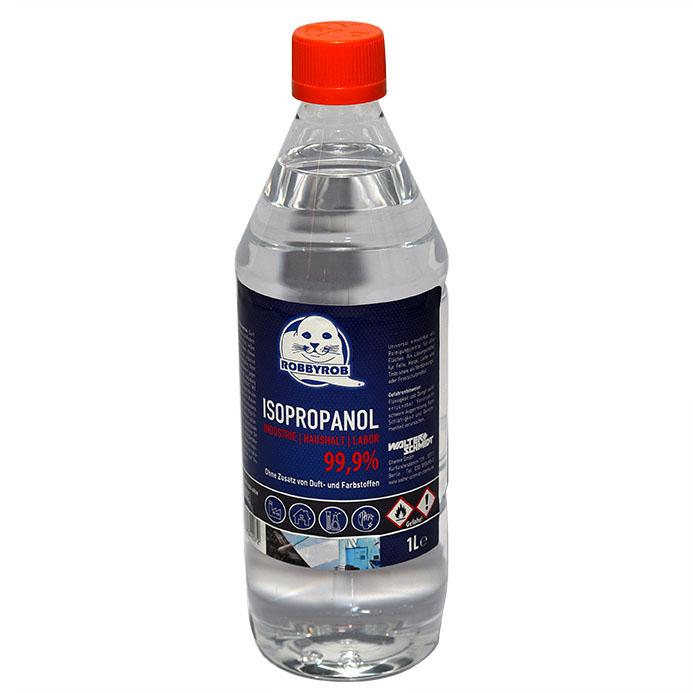 Isopropanol 99.9%, 1 litre – isop1l7,99 €Item no. isop1l
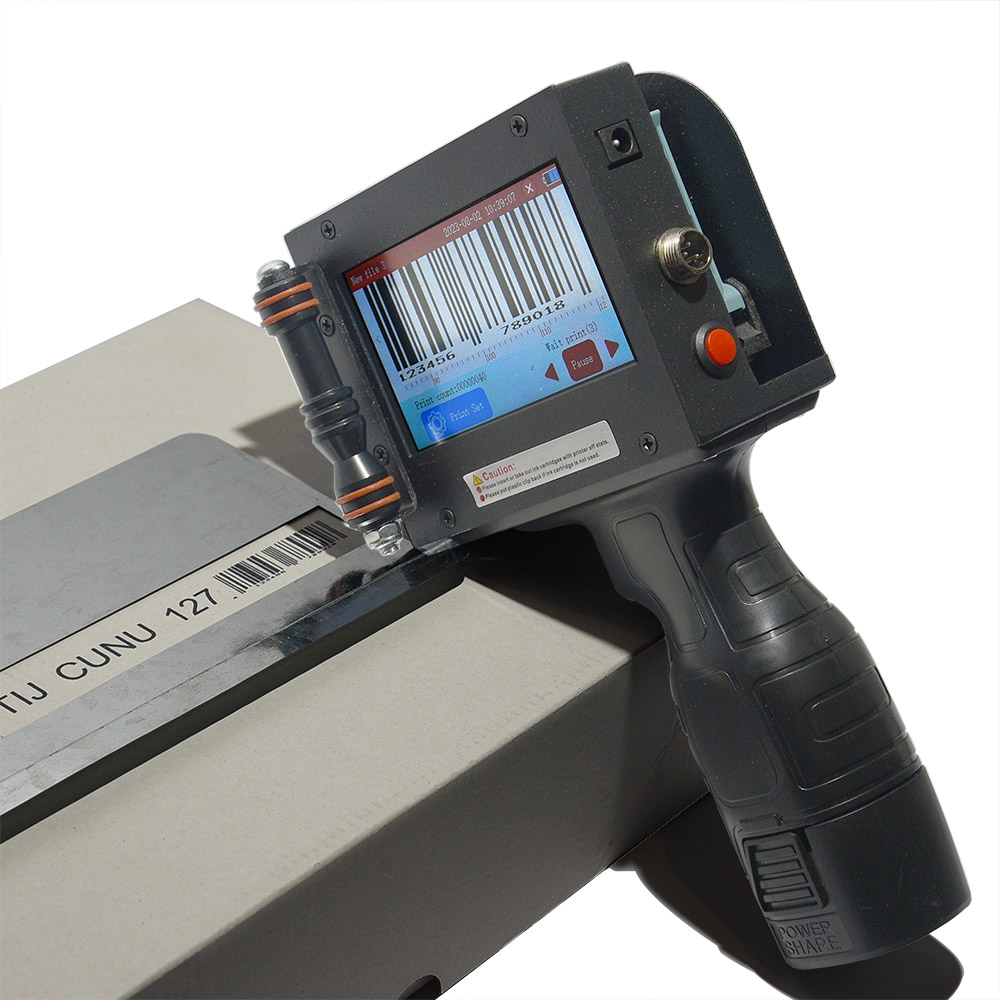 Printing system or printer – TIJ127499,00 €Item no. TIJ127
 Printing system or printer – TIJ254749,00 €Item no. TIJ254
 Ink cartridge or ink – CSIX119,00 €Item no. CSIX
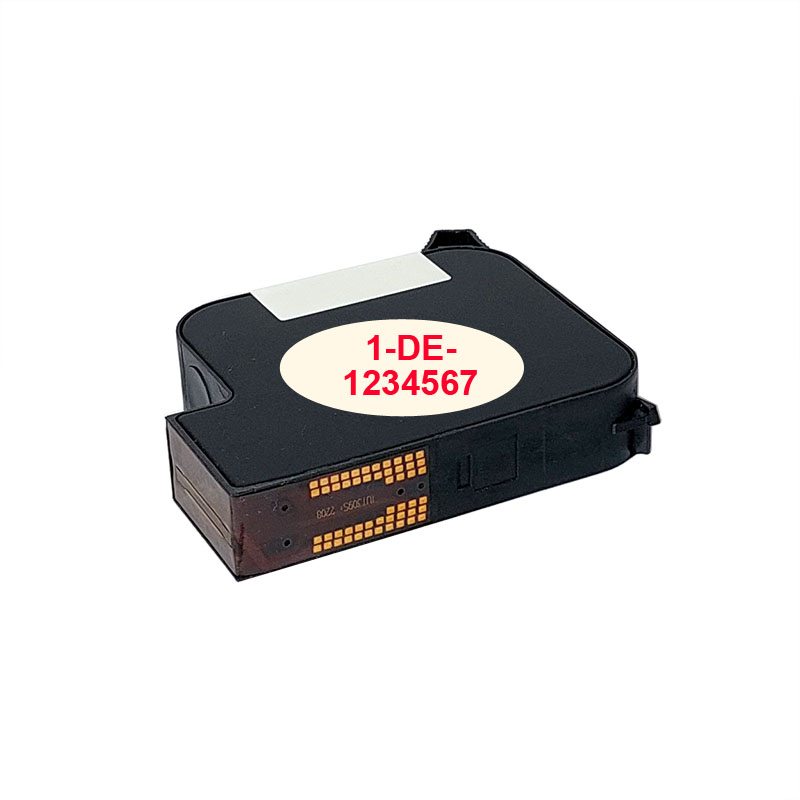 Ink cartridge or ink – KS0INK119,00 €Item no. KS0INK
 Ink cartridge or ink – si-komp12789,00 €Item no. si-komp127