The online shop at cunu.de is currently undergoing maintenance. In the meantime, please use this product catalogue to send us non-binding enquiries. Thank you for your understanding.
The A4 sheet layout is set according to the inserts or sections you need. One unit contains 100 sheets. State the required dimensions, number of fields and paper version in your enquiry. The quotation confirms the price for the actual configuration.
from €20.99incl. VAT, plus €6.95 shipping within GermanyPrice for the described sales unit. Quantities in your enquiry count sales units, not individual labels.
The A4 sheet layout is set according to the inserts or sections you need. One unit contains 100 sheets. State the required dimensions, number of fields and paper version in your enquiry. The quotation confirms the price for the actual configuration.
Choosing sheet format and layout together
The sheet layout determines the number and position of individual fields. Use the template for the required format and account for the separation lines when arranging artwork. Keep print content fully within each field. Also check that the printer supports the offered paper or label stock.
Setting up the template and checking a trial
Open the Word template in a suitable word processor. Add text, prices, item numbers or other required details. First print on ordinary paper and compare the result with the sheet layout. Use actual size or 100% and disable automatic fitting to the printable area. Set page and text margins in the program being used.
Processing complete sheets
Feed complete sheets according to the printer instructions. Separate the inserts or peel off the labels after printing. Keep an editable copy of the configured template for other items or later changes. Pack quantity is stated in sheets; the resulting number of individual fields depends on the layout.
Separating perforations, sampling colours and requesting creases
Microperforation creates closely spaced fine cuts; 2:1 perforation separates more readily and is particularly relevant to heavier card. If needed, pre-fold a line, start the tear at the edge and place the sheet on a smooth firm surface. Hold it flat beside the line and pull the other side steadily at a slight angle. Colour samples can be supplied without perforation or with incidental perforations from other jobs. Samples made to your specified dimensions are produced as a regular sales unit. Screen colours are approximate. Paper weight describes mass per area and does not establish a particular thickness. Up to three crease lines for later folding can be agreed separately. The template for a custom layout is clarified with the order; existing standard templates are available locally in the catalogue.
Specifying layout, paper and perforation type
One sales unit comprises 100 A4 sheets with the agreed layout. State the required insert dimensions, colour and paper weight. White stock is available in specified versions from 120 to 300 g/m²; coloured stock follows the offered combinations. Choose microperforation or 2:1 dashed perforation. Microperforation is specified up to 200 g/m². Keep at least 10 mm between lines and from the sheet edge; the recorded technical limits are ten vertical and fifteen horizontal lines. Fewer lines require fewer processing steps. The final price depends on stock and layout and is confirmed with the enquiry. Creasing requires separate clarification and is not an active standard choice.

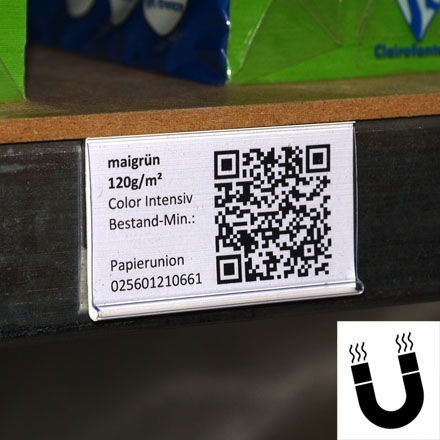 Pack of 20 magnetic holders for 39 mm inserts
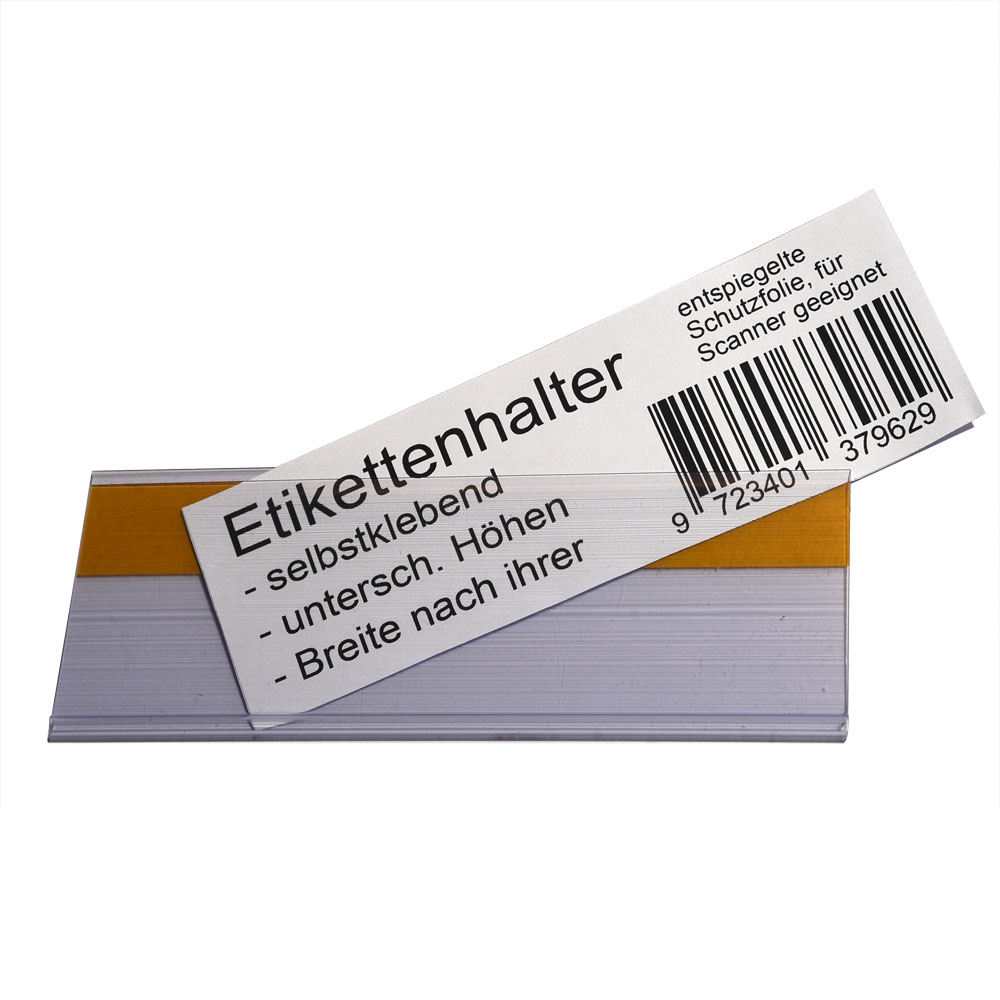 Pack of 20 self-adhesive insert holders
 Hanging label pockets for baskets and hooks, 100 pieces
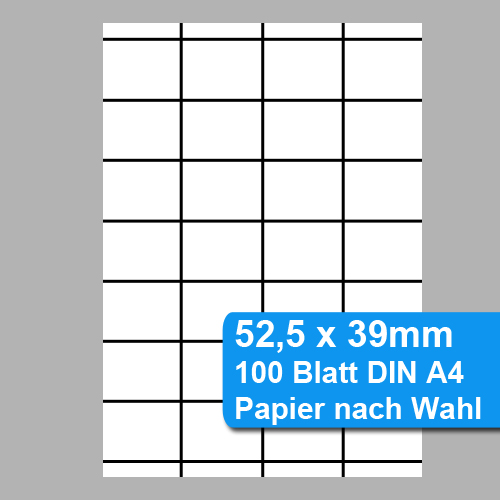 A4 shelf-insert sheets divided into 52.5 × 39 mm
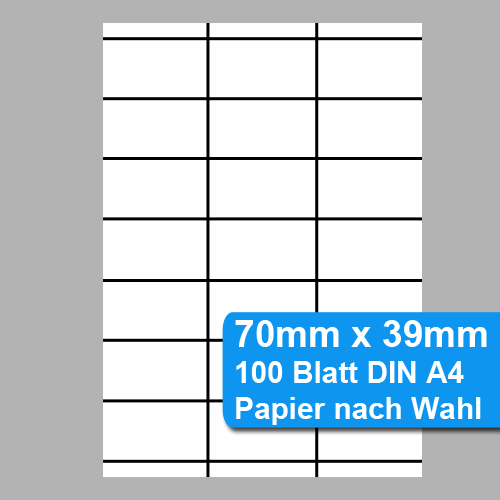 A4 shelf-insert sheets divided into 70 × 39 mm
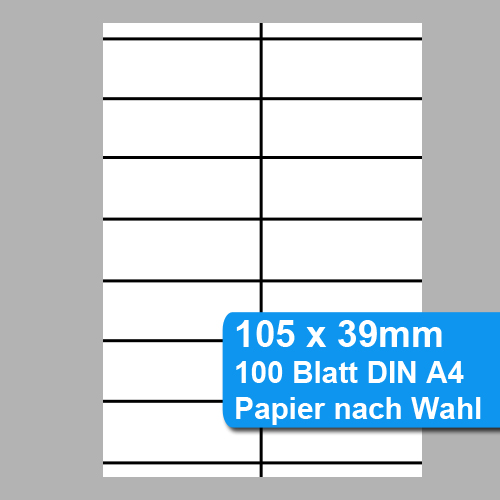 A4 shelf-insert sheets divided into 105 × 39 mm
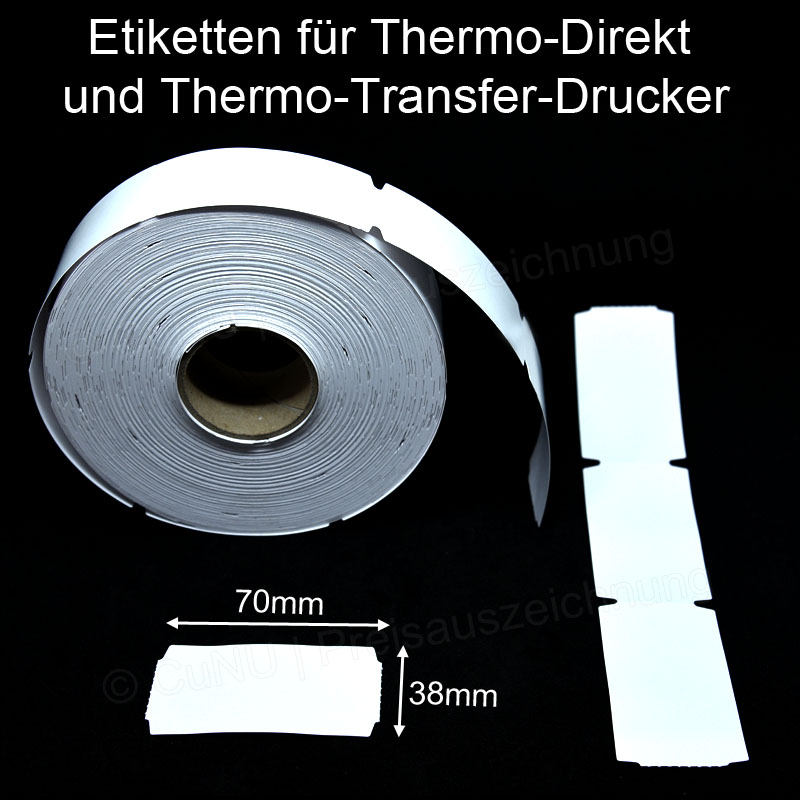 900 white thermal shelf inserts, 70 × 38 mm
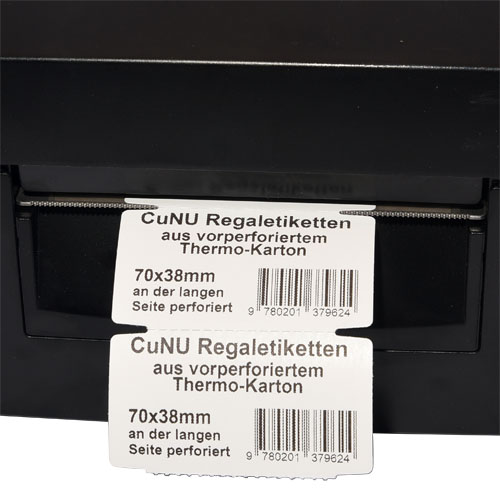 Notched 70 × 38 mm thermal-card inserts