Professional shelf labeling: Thermal Eco cardstock supplied as a continuous roll is ideal for producing shelf labels. You will need a thermal printer (direct thermal; no ribbon required) equipped with a tear-off edge—or, even better, a cutter function. This solution allows for flexible shelf labeling across scanner rails of various heights.
Suitable for all standard thermal printers
Print durability: up to 10 years indoors (see data sheet for details)
Continuous thermal cardstock roll
Width: 70 mm (also available as a 105 mm wide roll)
Sales unit: One roll, 50 m in length
Grammage: 170 g/m²
Core diameter: 40 mm
Roll outer diameter: 11.5 cm
Length: 50 meters (based on the standard shelf label height of 38 mm, this yields 1,315 labels per roll)
FSC Mix; certificate no. SGSCH-COC-050152
Applications: shelf labels, boarding passes, admission tickets, parking tickets, and more
Custom widths available upon request for orders of 90 rolls or more
In the product video, we demonstrate how quickly and easily you can implement shelf labeling using our continuous thermal cardstock rolls:
Useful information about non-adhesive thermal labels for shelf labeling
Thermal printers are typically used to produce adhesive labels for a wide variety of purposes. Until now, the market has not adequately served the specific needs of shelf labeling and marking. Our perforated papers already offer a practical solution for producing non-adhesive shelf-edge labels. Previously, non-adhesive thermal cardstock labels for shelf identification were created using our pre-perforated cardstock labels on a roll; however, only a single format (70 x 38 mm) was available.
The continuous cardstock labels offered here—made of thick 170 g/m² thermal cardstock—utilize the same proven, durable material but come on a 50-meter continuous roll with a width of 70 mm. With an outer diameter of just 11.5 cm, the roll fits into all standard thermal printers.
For producing shelf or scanner labels, we recommend thermal printers with a cutter function, such as the Zebra GX420, ZD621, GX430t, ZT411, ZT230, ZT610, or ZT510. The cutter function yields cardstock labels with clean edges, free of perforation marks. Alternatively, you can simply use your thermal printer’s tear-off edge to separate individual labels from the roll after printing.

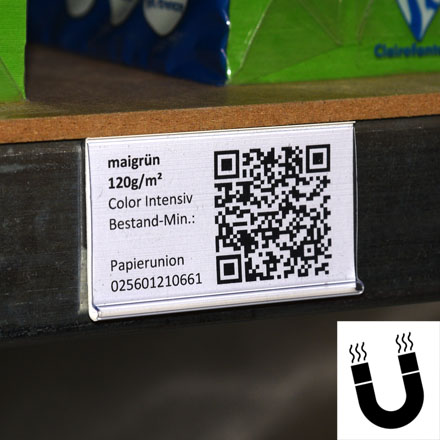 Shelf-labelling accessory – ESEH-MG
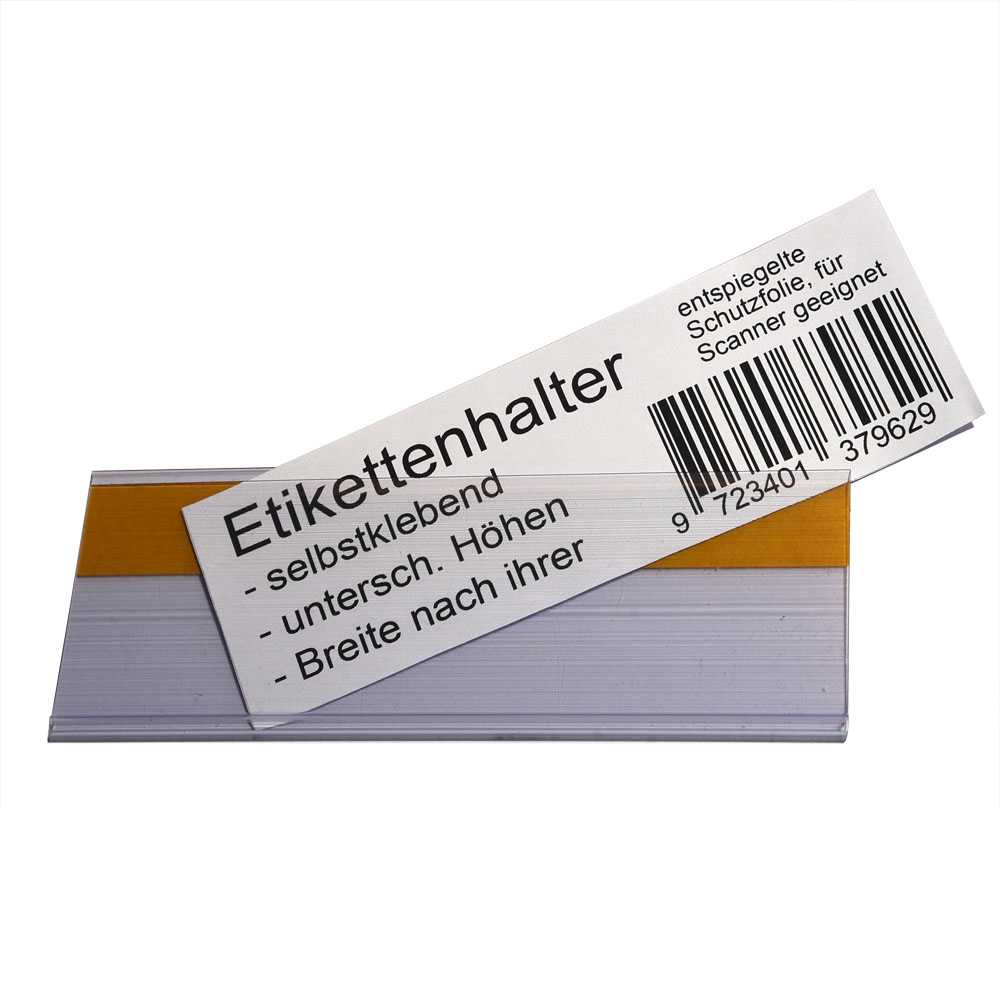 Shelf-labelling accessory – ESEH
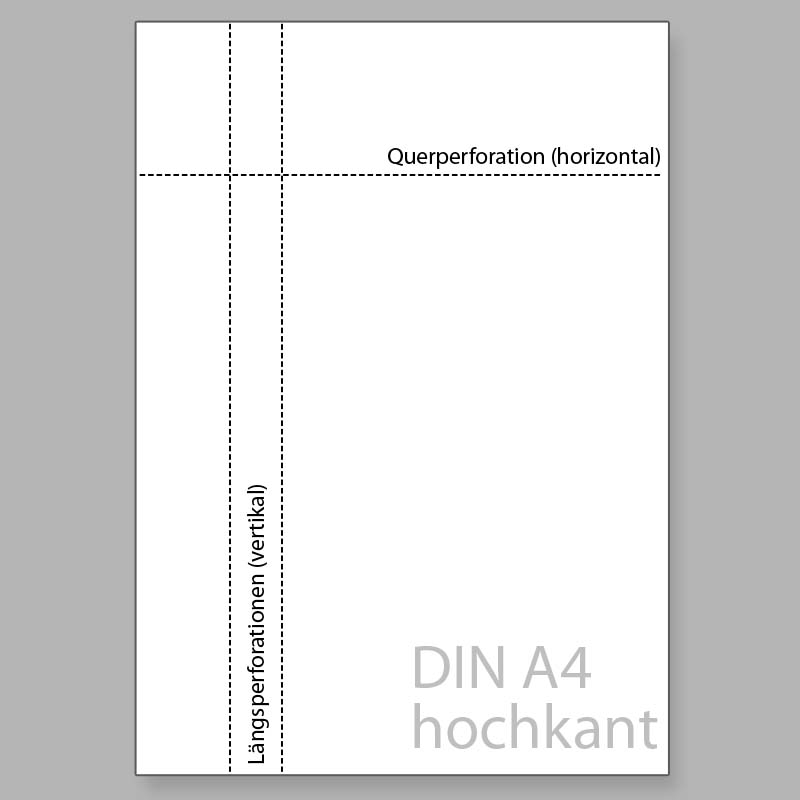 Paper or printed sheets – CU0001
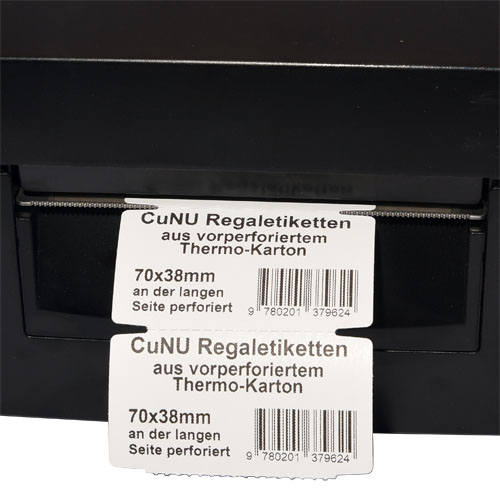 Thermal-printing material – 70x38mm – A01016153