Detailed product description
Combining the required information
The counting function complements manually set characters. The advancing positions and available repetitions depend on this particular version. Refer to the print-layout illustration for the arrangement.
Print-unit arrangement
These values identify the configuration offered here. A character position is one adjustable band; an attached dot can share a band with a numeral. Currency and unit symbols are available only at the positions shown in the print-layout diagram.
- Print lines: 1
- Character positions: 7
Matching rolls and consumables
The assigned label format is 22 × 12 mm. The outline, backing and feed cuts must also fit the device. Check more than the outer dimensions when replenishing the rolls. Choose the colour, adhesive and any preprint for the intended application.
Ink roller and operating guidance
Assigned replacement: Item no. blitz-fr01. Replace the ink roller when the impression fades. Use the instructions for the relevant series when loading labels or changing the roller.Plan roller replacement or storage around a maximum of two years; an unopened blister does not extend that period.
Replacement ink-roller references
Use the following item references when replenishing the assigned roller: blitz-fr01. Also compare its construction with the existing roller.
Three manual positions and four automatic counter positions
Textile 2234 has three manually set positions before its counter, using 3 mm characters. The following four counter positions print at 4 mm. The fixed entry can use numerals and the size or special symbols shown in the print-unit illustration. The complete line appears on matching 22 × 12 mm wavy-edge labels. After a trigger stroke, transfer the printed label with the application roller. The manual entry remains unchanged as counting advances, allowing an item group to be distinguished from its running number.
Selecting four counting modes with the white marker
Viewed from above, the white marker identifies the mode. At the far right, the counter increments on every label, for example 0001, 0002, 0003. At the first line, each value is printed twice: 0001, 0001, 0002, 0002. Between the first and second lines, the number stays unchanged. At the second line, two identical labels are followed by an increment of ten: 0001, 0001, 0011, 0011, 0021, 0021. After a manual adjustment, return the selector to the required mode and check several labels. Matching numbers can identify two related parts or an object and its accompanying record.

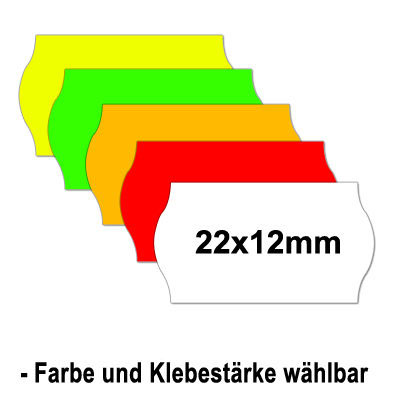 Wavy-edge labels with colour and adhesive options – 22 × 12 mm
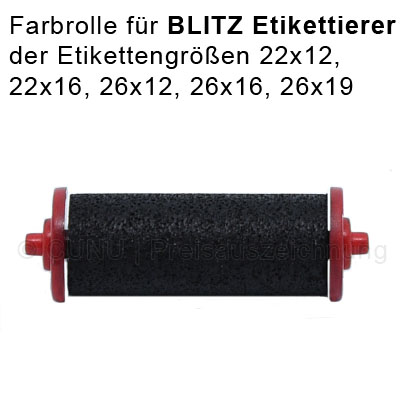 Black replacement ink roller for Blitz hand labellers
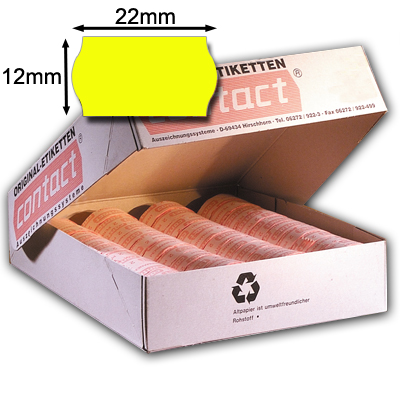 Fluorescent yellow contact wavy-edge labels – 22 × 12 mm
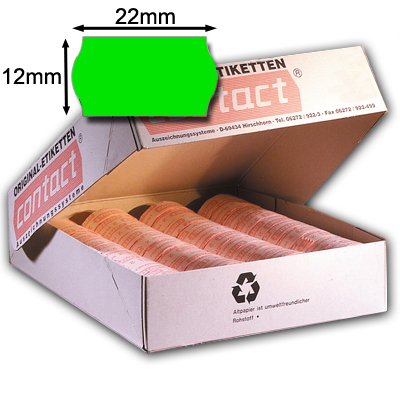 Fluorescent green contact wavy-edge labels – 22 × 12 mm
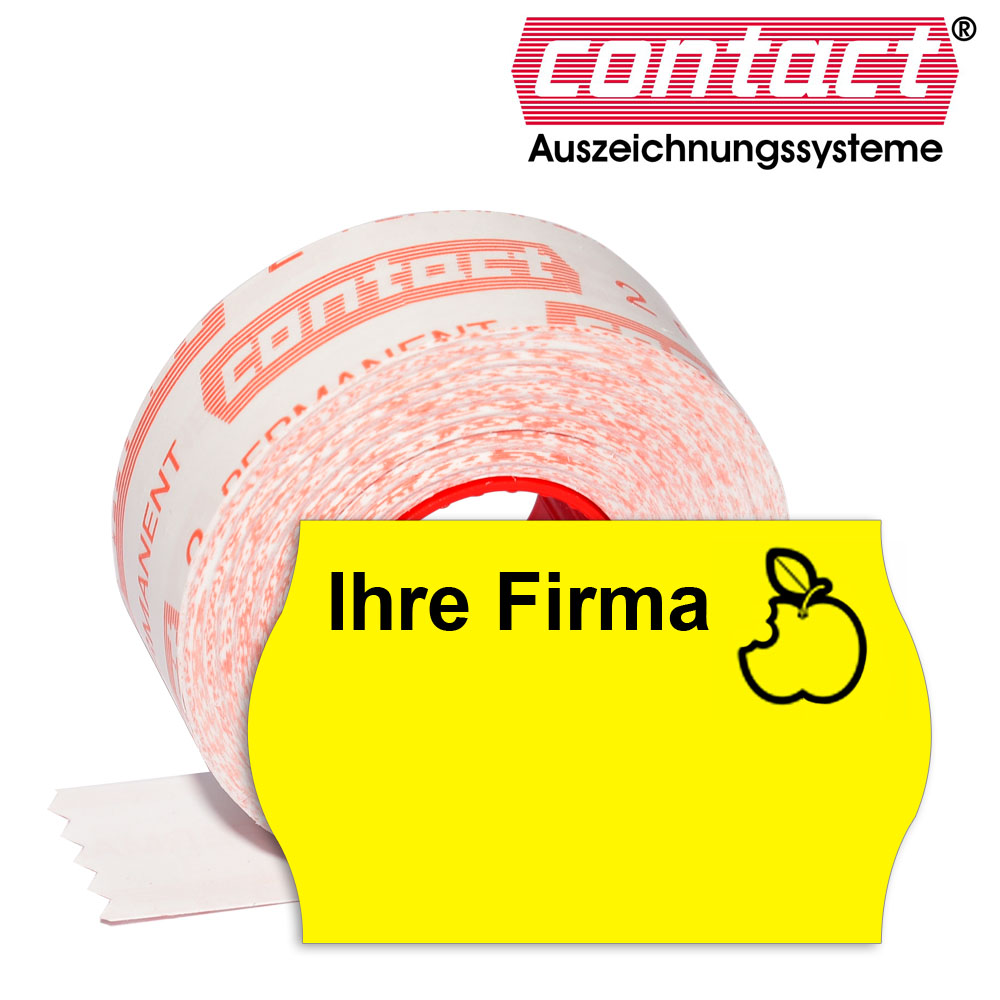 contact labels with your business preprint
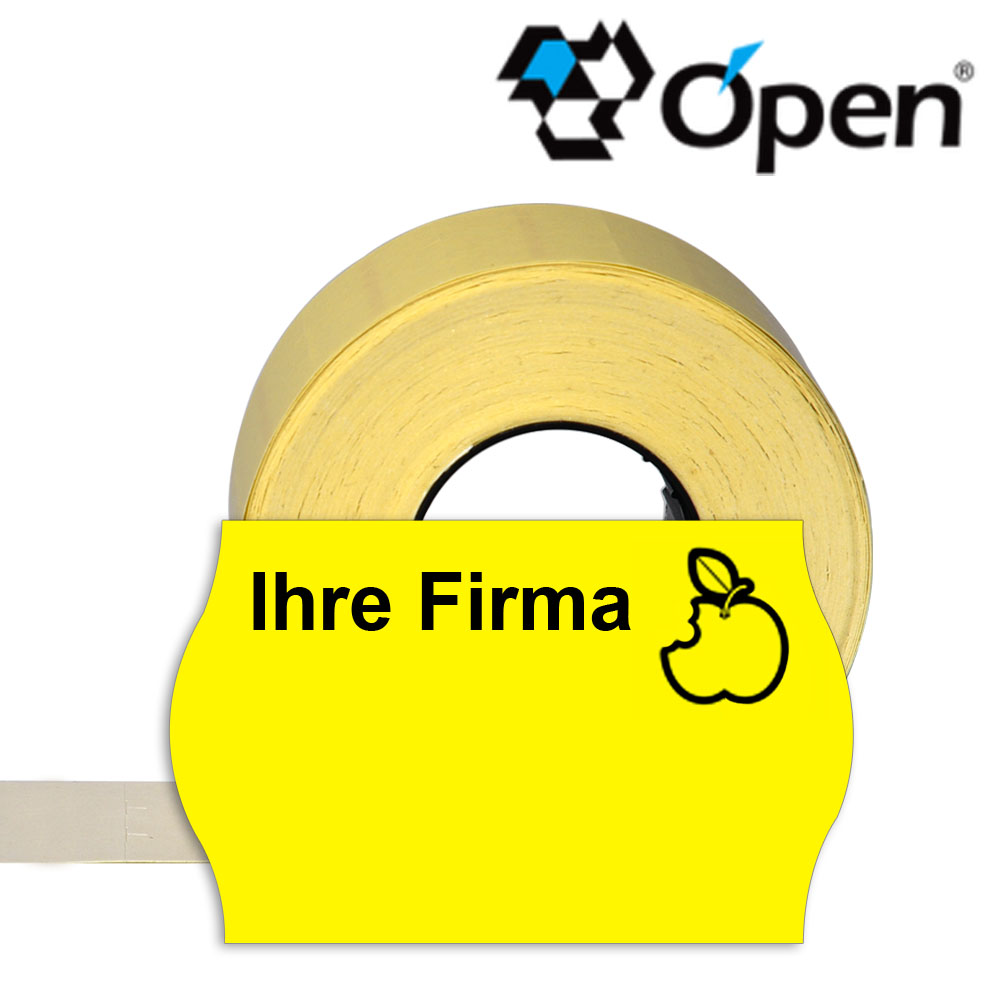 Open Data labels with a custom preprint
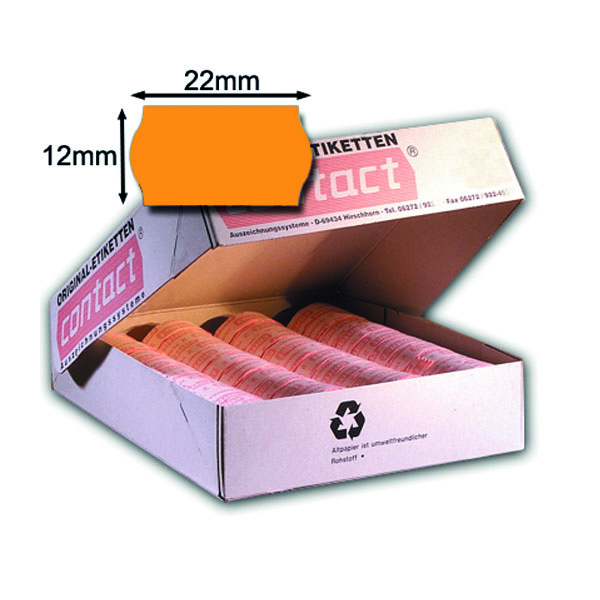 Orange contact wavy-edge labels – 22 × 12 mm
 Fluorescent red contact wavy-edge labels – 22 × 12 mm