The online shop at cunu.de is currently undergoing maintenance. In the meantime, please use this product catalogue to send us non-binding enquiries. Thank you for your understanding.
The contact premium 26.16-20 is configured for date marking and processes matching 26 × 16 mm labels. Its mechanical print unit marks the roll with the selected characters, then the device applies the printed label.
€229.00incl. VAT, plus €6.95 shipping within GermanyPrice for the described sales unit. Quantities in your enquiry count sales units, not individual labels.
Date positions are selected manually and changed as needed. The bands determine year length and available separators. For labels with preprinted wording, match the blank print area to the print position.
Band layout and additional print options
Upper line: up to 10 digits
Upper line – date: for example DD.MM.YYYY; separators occupy separate positions
Upper line – currency: euro, franc; position 1
Lower line – currency: euro, pound according to the band layout
Print unit – currency: up to 99.99
Print unit – currency: up to 999.99
Lower line – decimal point: position 8: dot shares the numeral band
Print-unit arrangement
These values identify the configuration offered here. A character position is one adjustable band; an attached dot can share a band with a numeral. Currency and unit symbols are available only at the positions shown in the print-layout diagram.
Print lines: 2
Character positions: 20
Top line positions: 10
Bottom line positions: 10
Top character height: uniformly 3 mm
Print band width: 2 mm in both lines
Date format: for example DD.MM.YYYY; separators occupy separate positions
Fixed design and variable impressions
A preprint is applied when the label roll is produced. A business name, logo or explanatory prompt remains constant while the hand device adds the selected numerals or available characters. Match the blank area to the print position of this particular model. Grey areas in a layout illustration mark potential design space and are not an additional device impression.
Matching rolls and consumables
The assigned label format is 26 × 16 mm. The outline, backing and feed cuts must also fit the device. Check more than the outer dimensions when replenishing the rolls. Choose the colour, adhesive and any preprint for the intended application.
Ink roller and operating guidance
Assigned replacement: Item no. A01033000. Replace the ink roller when the impression fades. Use the instructions for the relevant series when loading labels or changing the roller.Plan roller replacement or storage around a maximum of two years; an unopened blister does not extend that period. Do not refill it with ordinary stamp-pad ink: the roller material requires its specified viscous ink.
Requesting a different character arrangement
For a different band arrangement, provide the complete intended impression, including units, separators and the distribution between lines. A drawing of the proposed print unit is used to agree the configuration. The confirmed arrangement is decisive; a model designation alone does not fully describe a customised device.
Replacement ink-roller references
Use the following item references when replenishing the assigned roller: A01033000. Also compare its construction with the existing roller.
Technical specifications
Model
26.16-20
Brand
contact premium
Label size
26 × 16 mm
Shape
matching rectangular or wavy-edge labels
Print lines
2
Character positions
20
Top line positions
10
Bottom line positions
10
Top character height
uniformly 3 mm
Print band width
2 mm in both lines
Replacement ink roller
Item no. A01033000
Manufacturing origin
Germany
Date format
for example DD.MM.YYYY; separators occupy separate positions
Power supply
not required
Application videos
Selecting “Load video” connects to YouTube. The original video may use a different language.

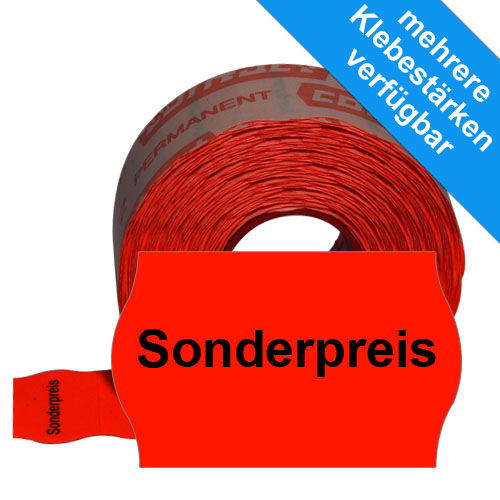 Fluorescent red sale-price preprint – 26 × 16 mm
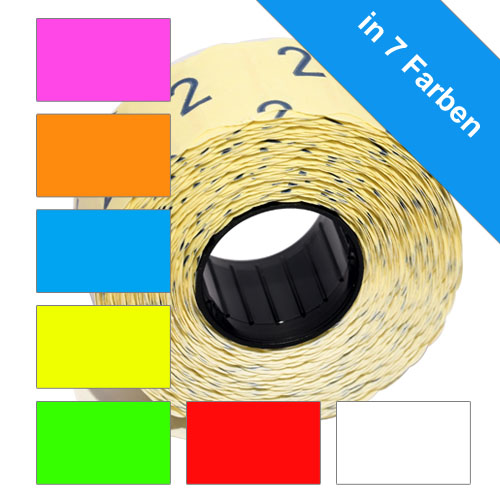 Rectangular labels in seven colours – 26 × 16 mm
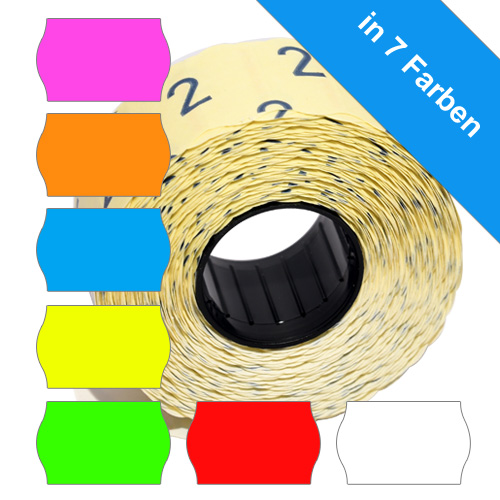 Wavy-edge labels in seven colours – 26 × 16 mm
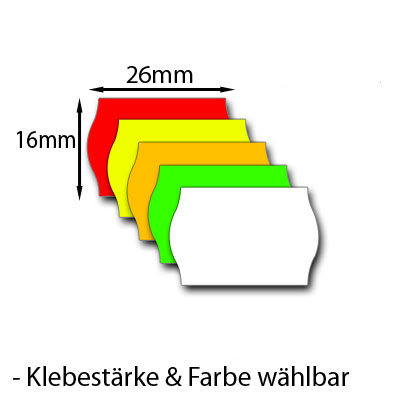 Wavy-edge labels with colour and adhesive options – 26 × 16 mm
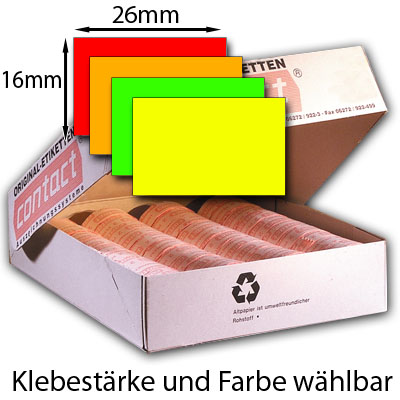 Fluorescent rectangular labels, 36 rolls – 26 × 16 mm
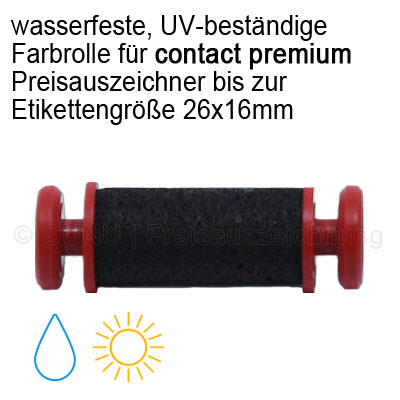 Five special-ink rollers for smaller contact premium models
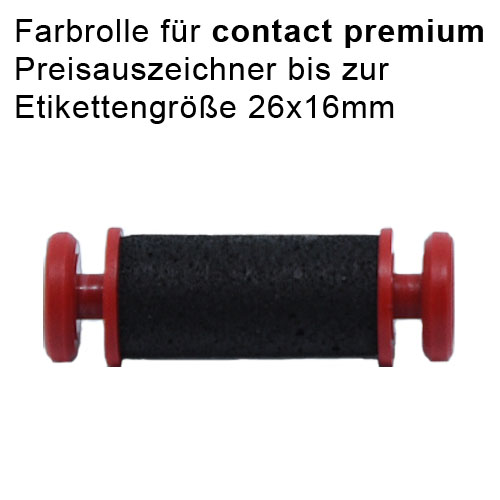 Five standard black ink rollers for contact premium
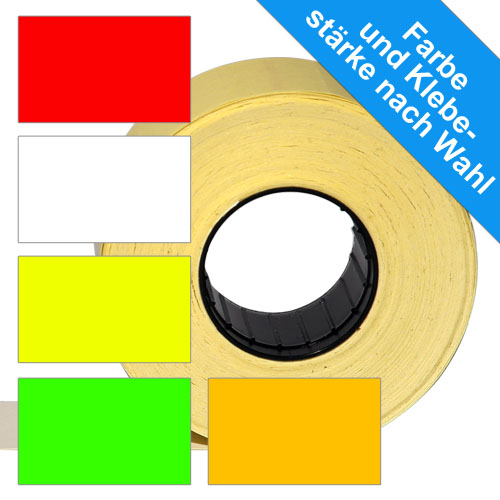 36 rolls of rectangular labels in selected variants – 26 × 16 mm