Digital product marking
Printing system or printer – 40x30mm – m110
- Item number
- m110
- Product ID
- 22936
- Category
- Digital product marking
129,00 €VAT included; shipping within Germany €6.95. Other countries on request.
Non-binding inquiry

The CUNU online shop is available again.Order in the German online shop
Digital product marking
Non-binding inquiry
Maximum flexibility through digital printing – The M110 label printer impresses with its ease of use (including the accompanying app), range of functions, print quality, and price! This pocket-sized mobile label printer is controlled via app and Bluetooth (iOS 8.0 & Android 4.0 or higher). Includes 1,050 blank labels.
Bonus: We supply the M110 thermal label printer with a modified label holder, allowing you to use label rolls from third-party manufacturers as well. Before shipping, we check every printer to ensure it is functioning perfectly and load it with labels. If the app is already installed on your smartphone, you can get started and print your own labels immediately upon receipt.
Here’s how it works:
Please ensure that your smartphone's Bluetooth function is activated. Once the printer is turned on (press and hold the left button briefly), it will appear in your smartphone's Bluetooth settings as a device available for pairing, just like any other Bluetooth device (e.g., wireless headphones):
You can find the app for Android smartphones (version 4.0 or higher) in the Google Play Store: "Printmaster" app
You can find the app for iPhone (iOS 8 or higher) in the App Store: "Print Master" app
The accompanying free "Printmaster" app for Android or iOS smartphones offers far more than just standard functions and makes creating label designs very easy. Of course, the tool doesn't do the actual design work for you; you will need to take a few minutes to create new labels. We therefore recommend trying out the app before purchasing to see—without obligation—whether it suits your needs and is easy for you to use. A short video demonstrates just how easily you can design and print thermal labels using the mobile label printer and the Printmaster app:
Summary of video content:
I.) After opening the app, the first step is to choose whether to create a new label or open a saved one.
II.) The next step involves entering the label specifications. Note: Regardless of the actual label width, always select "54mm"—this allows you to position the design much more precisely for printing in the subsequent design phase.
III.) Design your label – the process is simple and intuitive, yet offers a wide range of functions. Several fonts suitable for thermal printing are available. Clip art, symbols, shapes, barcodes, and QR codes can be easily created or inserted. Elements are positioned with a margin from the edge, and alignment lines appear when you select or move elements to assist with precise placement.
IV.) Save & print label – Once you have finished designing your label and wish to reuse the template later, you can save it. Selecting the printer icon opens the corresponding dialog box. Specify the number of copies to be printed under "Number of copies." Select the checkmark in the top right corner. Done—the print job for your custom labels begins.
Additional info: This mobile thermal printer is not designed for photo printing; its primary use is labeling goods and items of all kinds (e.g., small batches of labels with QR codes, barcodes, or variable dates). The mini label printer’s built-in 7.4Wh lithium-ion battery is easily charged via USB (cable included).
As with all our products, please do not hesitate to call us if you have any questions—we are happy to assist you! Tel.: +49 (0) 6643 910144
In accordance with the German Electrical and Electronic Equipment Act (ElektroG), used electrical devices purchased from us can be returned to the address listed in the legal notice (Impressum).
Product videos
Videos are loaded from YouTube only after you click the button.
From the product data
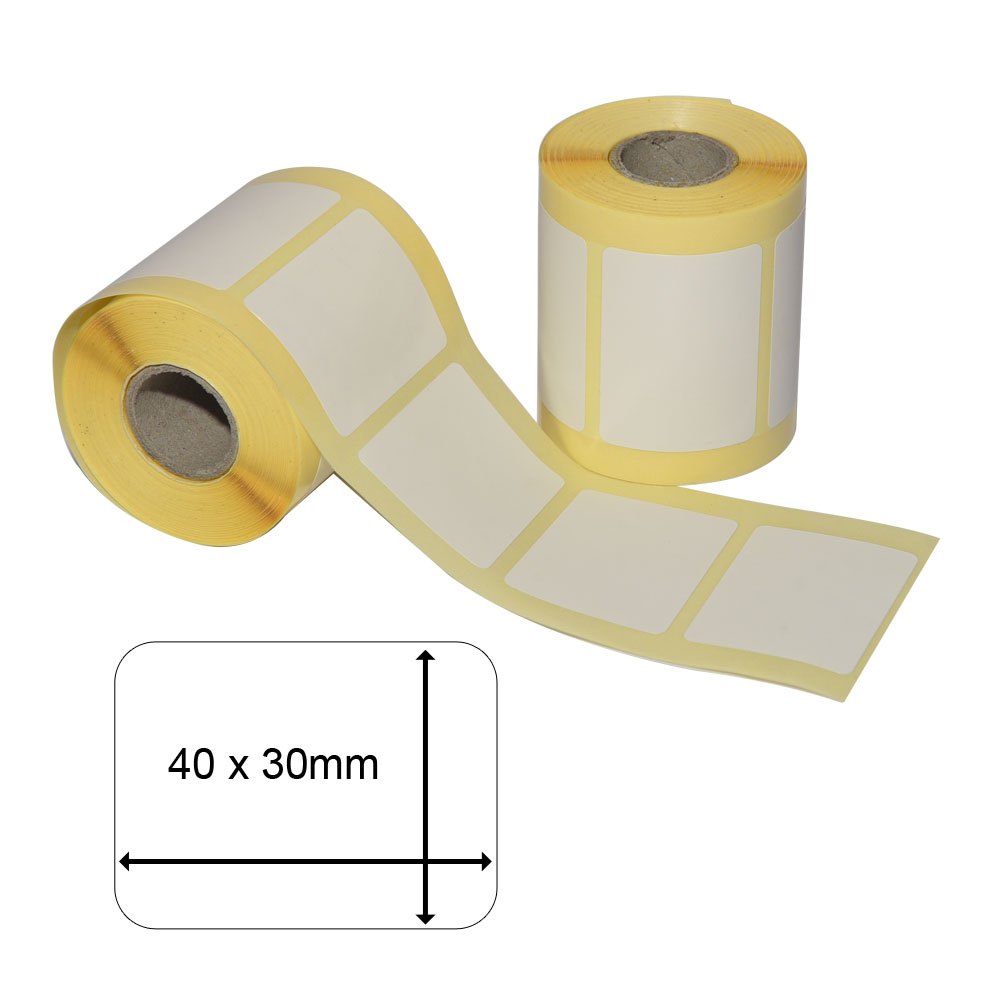 Thermal-printing material – 40x30mm – ERT-SOAF-E-125456,99 €Item no. ERT-SOAF-E-12545